Affiliate Disclosure:As an Amazon Associate, I earn from qualifying purchases. Learn more
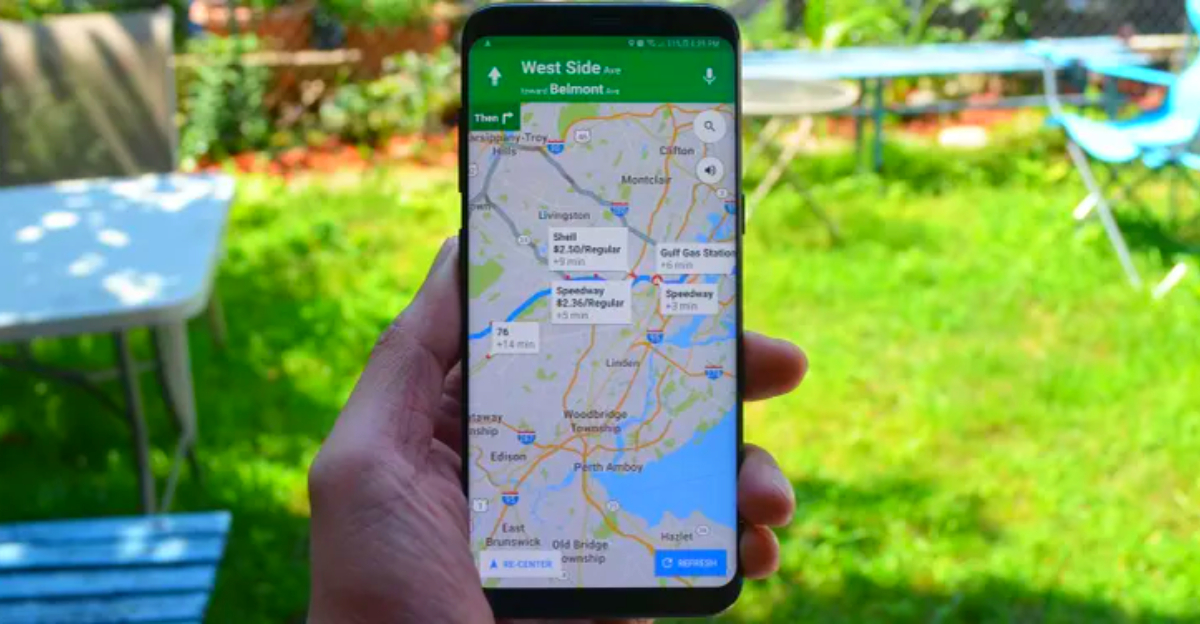
Your smartphone already tracks where you go, so why not turn that information into something meaningful? Google Maps offers powerful features that can turn your travels into a rich, interactive journal without any additional effort. Instead of letting your adventures fade from memory, you can create a detailed record of each trip, complete with photos, notes and itineraries that tell your unique travel story.
1. Enable your timeline feature
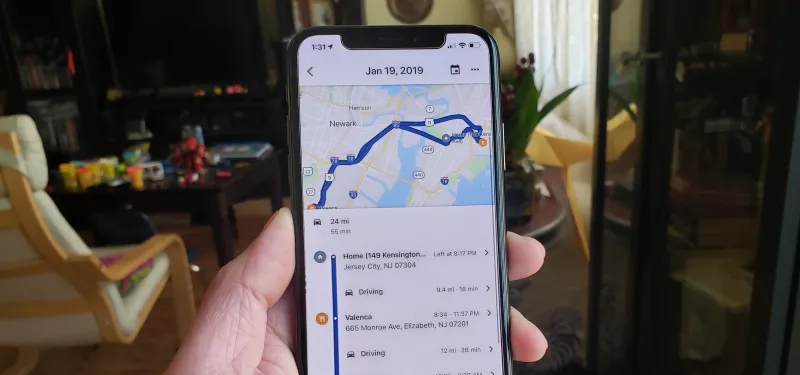
Most travelers don’t know that they have a goldmine of location data. Google Maps Timeline automatically records everywhere you visit when Location History is enabled on your account.
Access this feature by tapping your profile picture in the Google Maps app and selecting “Your Timeline.” You will discover a detailed map showing your movements, the routes taken and even the means of transport used.
The system organizes your trips by date, making it easy to look back at specific days or entire trips. Your phone becomes a silent travel companion, documenting your adventures without you having to lift a finger.
2. Create personalized travel maps
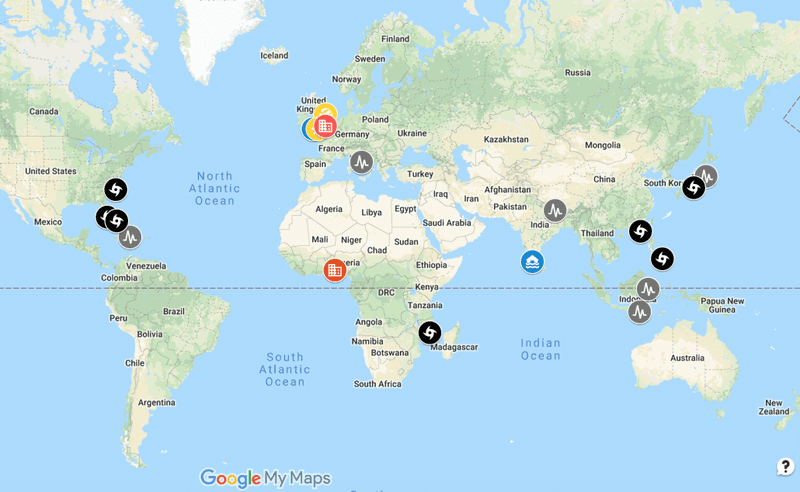
Planning meets creativity when you use Google My Maps to design personalized travel atlases. This free tool lets you create custom maps for each adventure, adding places of interest with colorful pins and detailed descriptions.
Organize destinations into layers such as “First Day Activities” or “Must-See Restaurants” to clearly visualize your itinerary. Each pin can include photos, notes, and even links to websites or reviews.
Share these maps with your travel companions or keep them private for personal reference. Your personalized creations become living documents that are enriched with each trip you plan and take.
3. Master the art of saving places
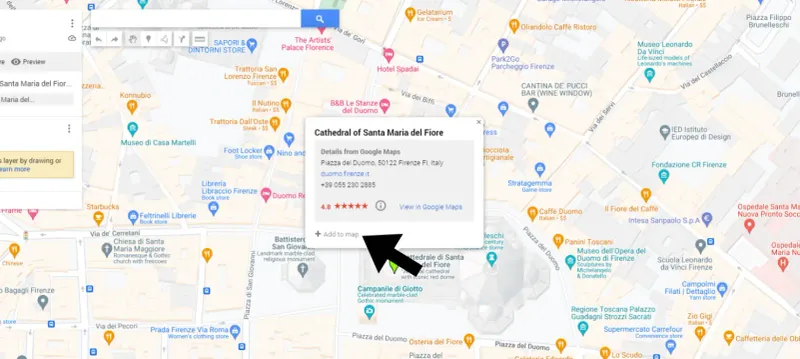
Smart travelers never lose track of recommendations again with Google Maps’ backup system. When searching for destinations, tap the “Save” button anywhere to instantly add it to your collection.
Create curated lists like “Paris Food Adventures” or “Hidden Gems in Tokyo” to categorize discoveries by trip or interest. These saved spots sync across all your devices, ensuring recommendations are always accessible.
The beauty lies in creating anticipation before trips while creating a reference library for future visits. Your saved locations become a breadcrumb trail leading to unforgettable experiences to discover.
4. Document your memories with photos and notes
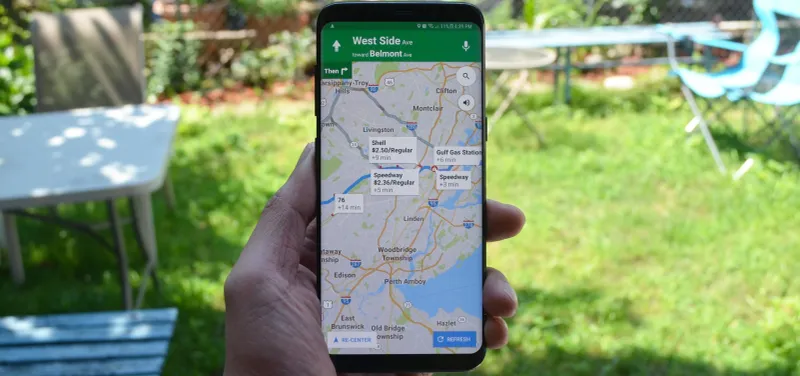
Transform ordinary location pins into rich storytelling capsules by adding personal touches to each saved location. Google Maps lets you attach photos and write detailed notes about your experiences in any location.
Capture that perfect dinner at sunset or note why a small coffee shop has become your favorite morning spot. These personal additions create context that helps you remember not only where you went, but how the places made you feel.
Years later, scrolling through your enhanced map is like flipping through a photo album filled with stories only you can tell about every special moment.
5. Share adventures with other travelers
Solo planning becomes collaborative magic when you share your Google Maps creations with others. Personalized maps and saved place lists can be shared with friends, family, or travel partners for group feedback and suggestions.
Contributors can add their own recommendations, edit existing entries, or add photos and reviews to improve your shared travel resource. This participatory approach often reveals hidden gems that you might have missed.
Whether planning a group trip or sharing discoveries after returning home, your maps become conversation starters and a source of inspiration for others’ adventures. Travel wisdom spreads through shared digital exploration.
6. Prepare for offline adventures
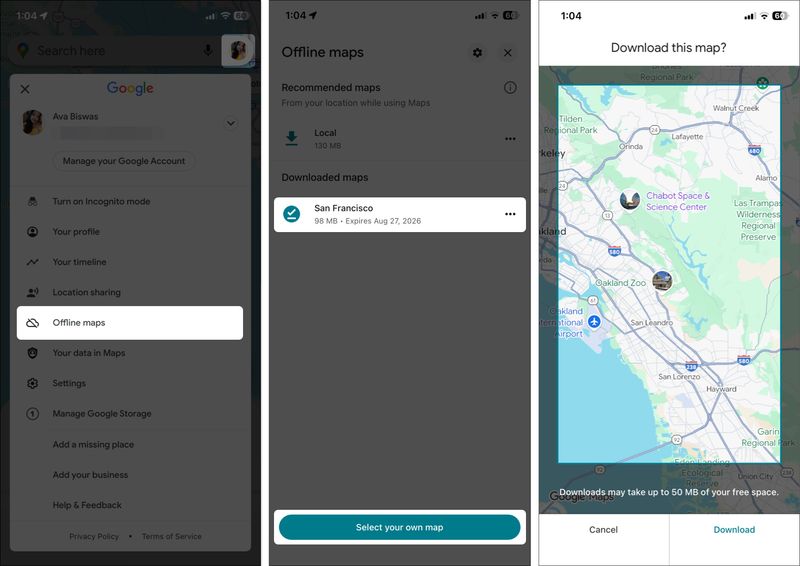
Remote destinations and spotty internet connections can’t derail your travel documents when you download offline maps beforehand. Google Maps lets you save specific areas directly to your device to access them anywhere.
Go to areas with limited connectivity, tap your profile picture, select “Offline Maps” and choose which regions to download. Your saved locations and personalized maps remain accessible even without Internet service.
This preparation ensures that your digital diary continues to grow regardless of the quality of the connection. Mountain villages, remote beaches and countryside adventures can all be properly documented and remembered with your offline-ready mapping system.
7. Discover hidden treasures with Explore
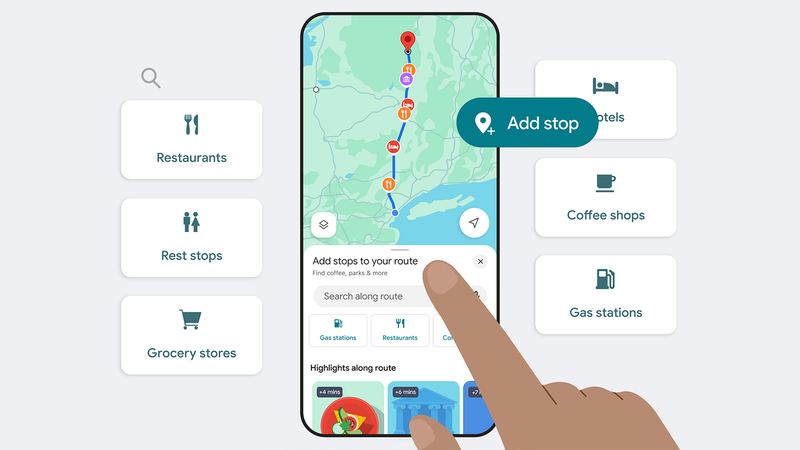
Spontaneous adventures often create the best travel memories, and Google Maps’ Explore feature serves as your digital local guide. This tool suggests restaurants, attractions and events based on your current location and interests.
Real-time recommendations help you discover places you never would have found through a traditional search. From hidden restaurants to pop-up art exhibitions, Explore reveals the authentic character of a destination.
Each discovery adds another layer to your digital journal, creating a more complete picture of your travels. Chance discoveries become treasured keepsakes when properly documented in your growing Google Maps collection.